Intervals or daily times
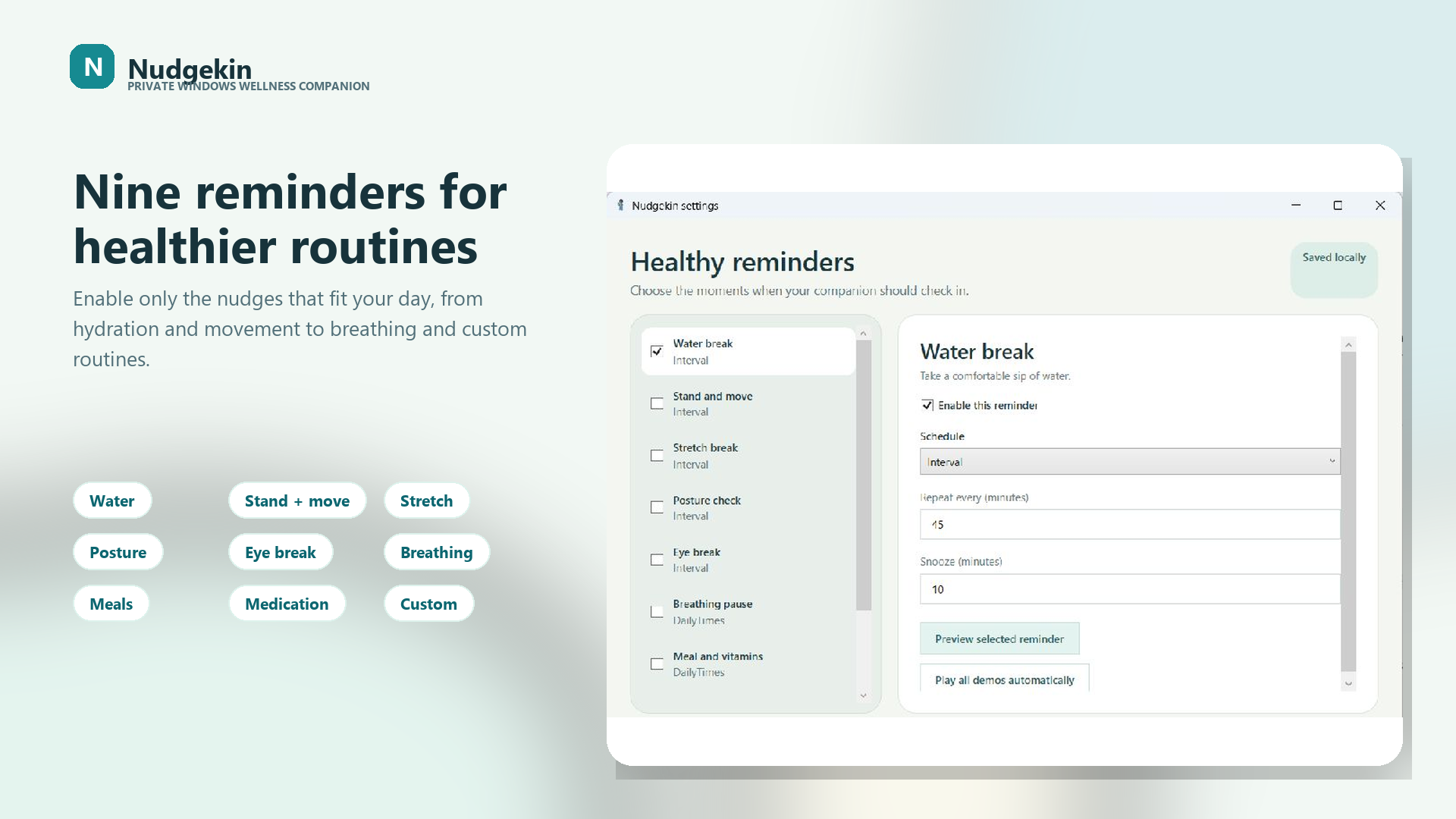
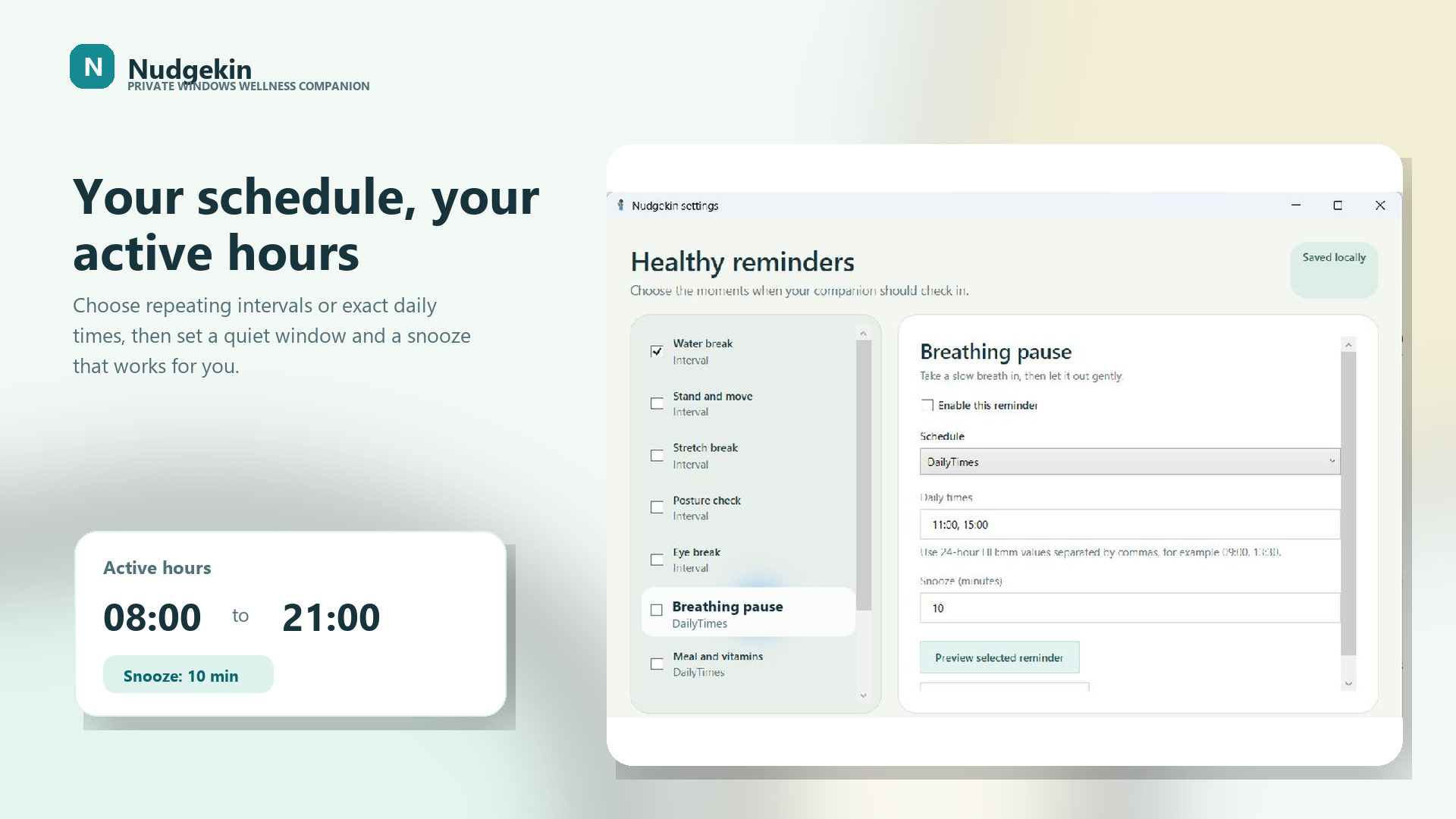
Repeat a reminder every few minutes or choose exact times during the day.
Wellness reminders for Windows
A free, private Windows companion that walks in with gentle reminders to hydrate, stretch, rest your eyes, breathe, and move.
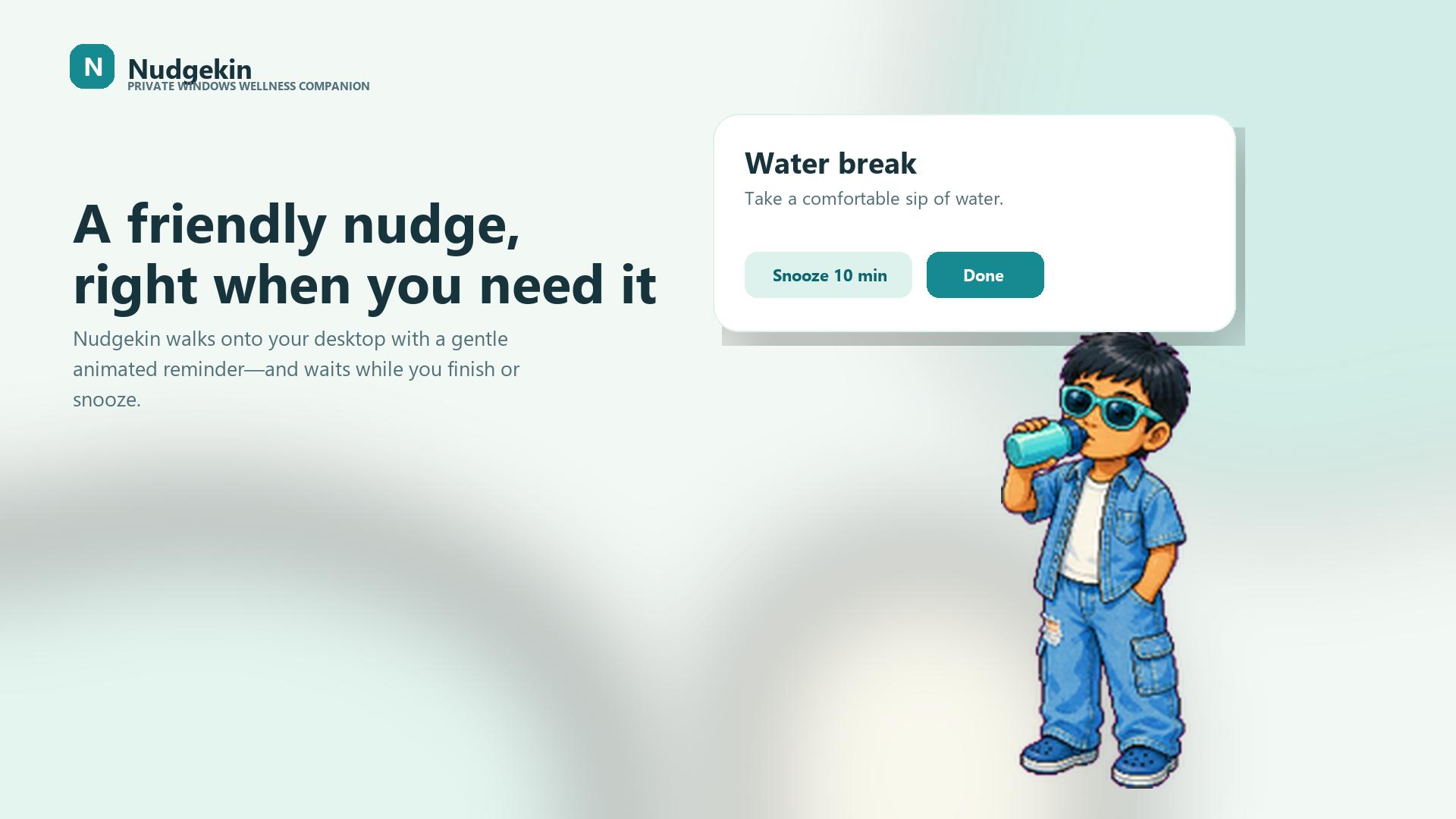
A break that comes to you Your companion walks onto the desktop when it is time to reset.
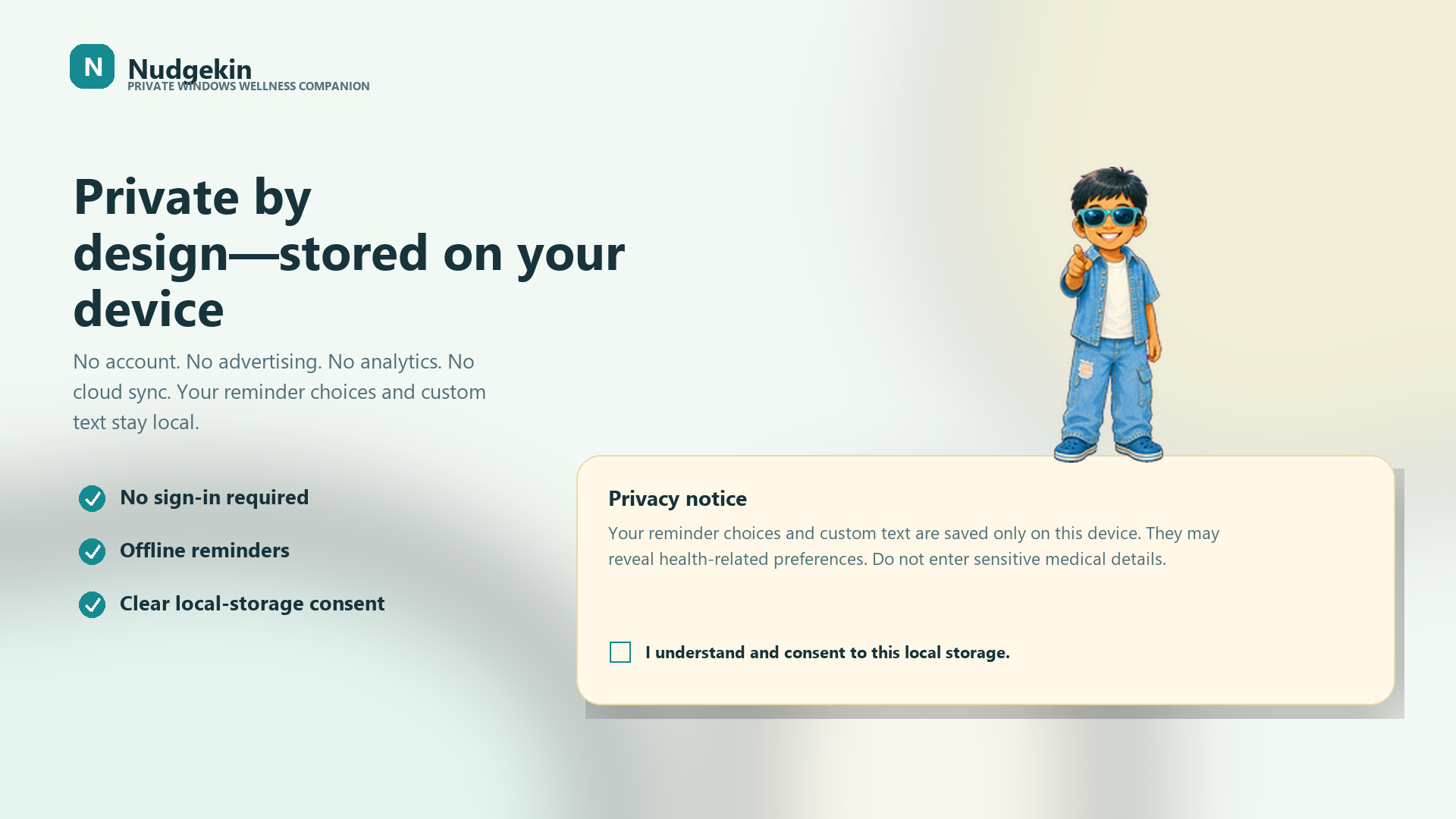
Real screens from the Windows app, from a friendly reminder to schedules, tray controls, and local privacy choices.
A more human reminder

A cheerful animated companion enters your desktop instead of hiding another alert in the notification center.
Water, stretching, breathing, posture, movement, and other modes use distinct visual actions that make the cue clear.
Mark the break complete, choose a snooze, or let the companion step away. Your routine remains in your control.
Built around real workdays
Enable only the reminders that fit your routine. Water is on by default, and every other mode is your choice.
Take a comfortable sip and return when you are ready.
Step away from the chair for a minute.
Relax your shoulders and take a gentle stretch.
Settle your feet and sit comfortably tall.
Look far away and let your eyes rest.
Slow down for one calm breath in and out.
Follow the meal or vitamin routine that is right for you.
A convenience reminder only. Always follow your prescribed plan.
Add a custom title and message for another healthy habit.
Practical Windows guides
Evidence-aware, privacy-conscious ways to make water, movement, stretching, posture, and eye-break cues work during real desk days.
Hydration
Choose a useful interval, active hours, and a cue you will not automatically dismiss.
Read the hydration guide →Desk breaks
Build a gentler rhythm for standing, moving, stretching, and checking posture.
Read the movement guide →Screen time
Make a familiar screen-break routine easier to remember on Windows.
Read the eye-break guide →Private by design
Nudgekin needs no account and sends no reminder settings to Kahani Express or third parties. There is no advertising, analytics, tracking, crash-reporting service, or cloud sync.
Read the complete privacy policyYour timing, your way
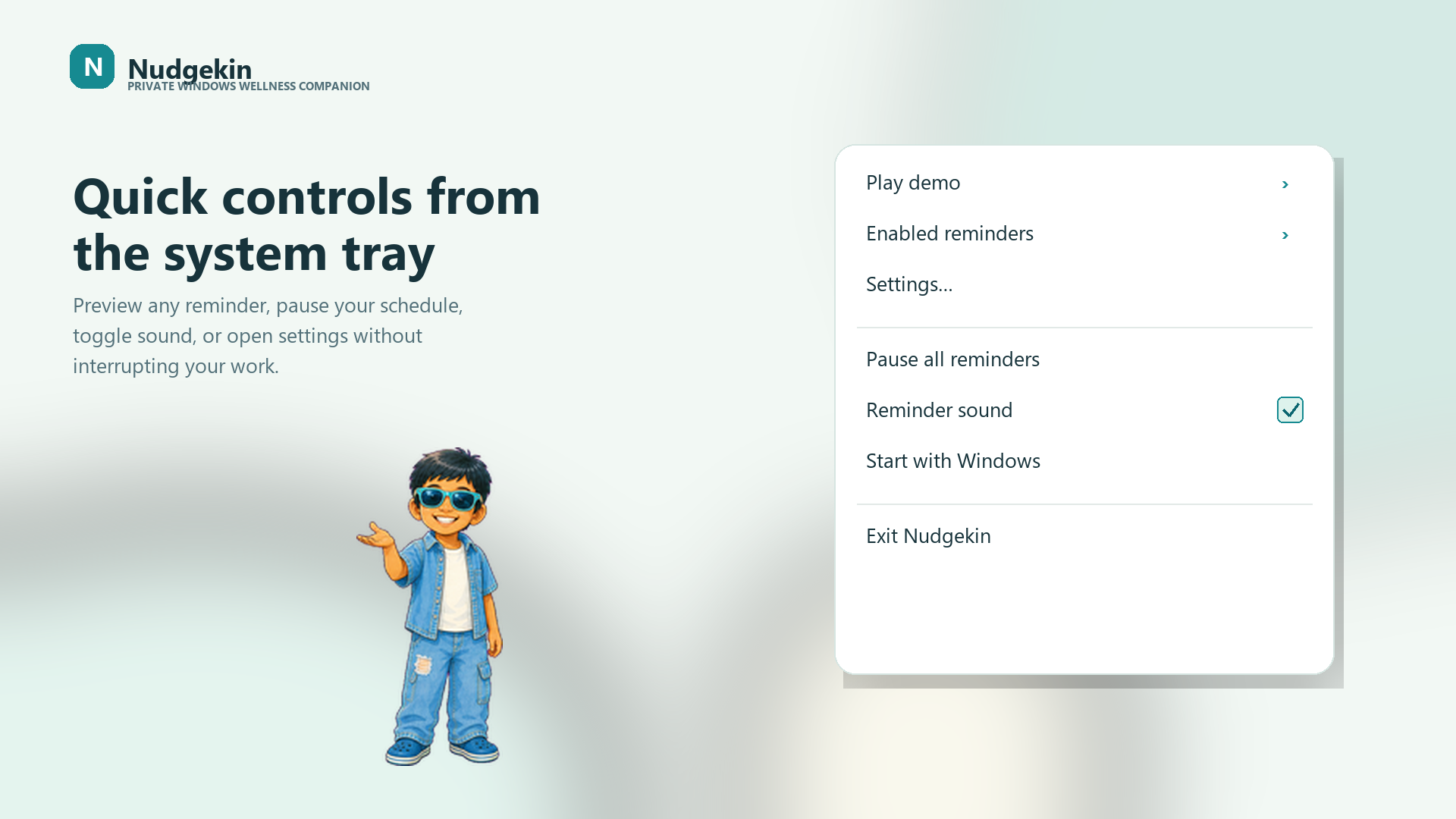
Nudgekin lives in the Windows system tray and keeps the complete schedule within reach.
Repeat a reminder every few minutes or choose exact times during the day.
Keep reminders within your working day so your evening stays quiet.
Give each healthy habit a snooze period that matches the moment.
Choose whether Nudgekin starts with your desktop, and turn the option off whenever you like.
Nudgekin questions, answered
Clear answers about price, Windows support, offline use, privacy, and the official place to install Nudgekin.
Windows 10 and Windows 11
Download Nudgekin for gentle wellness reminders that run privately on your Windows desktop.